FIND YOUR WAY
Start with what you want to explore.
The tools you use depend on what you want to do. These five examples connect a question with the features and steps that can help.
Screens show the Japanese interface. Select an image to view it at full size.
DAILY REFLECTION
Take a moment with a daily card
A single card can give you a moment to reflect. Draw in the morning and return to your note at night to connect the card with your experience in your own words.
Example questionWhat would I like to keep in mind today?
- Choose One Oracle and enter today's question or how you feel.
- Look at the image and open the explanation if you need it.
- Save a short note, then revisit it in the archive.
Keep: the day's question, card and your first impression.
EXPLORE YOUR OPTIONS
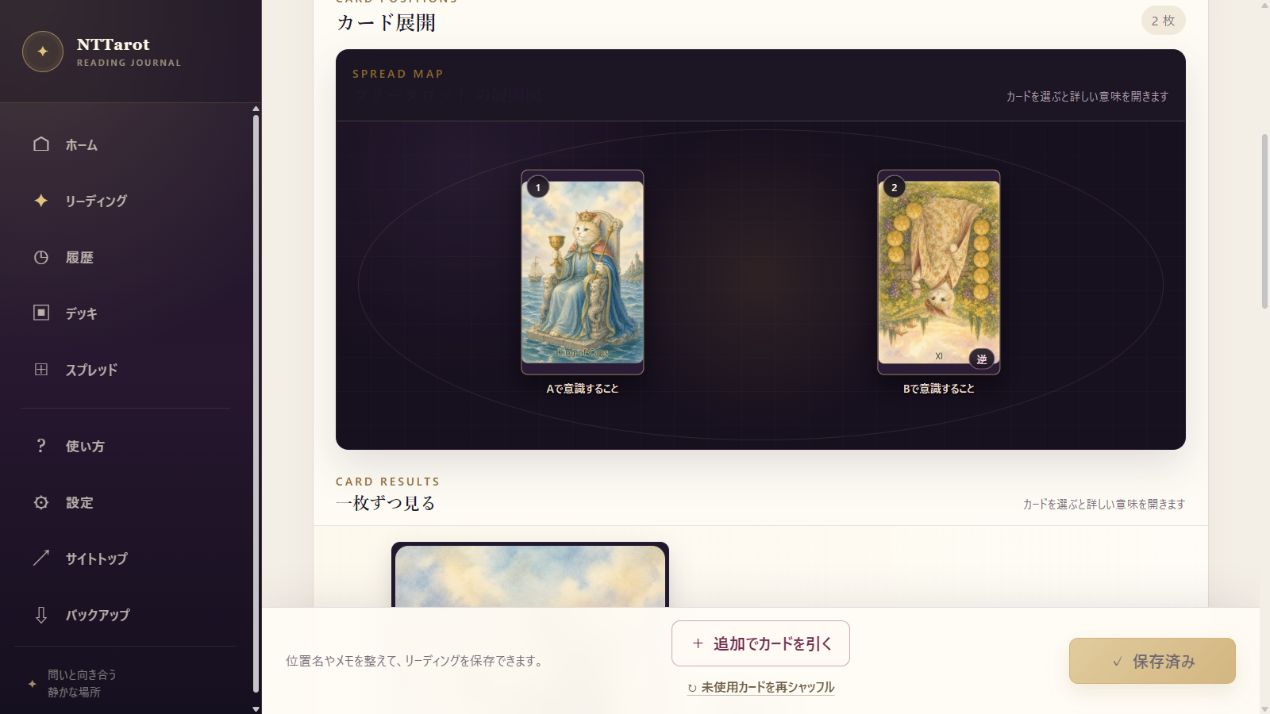
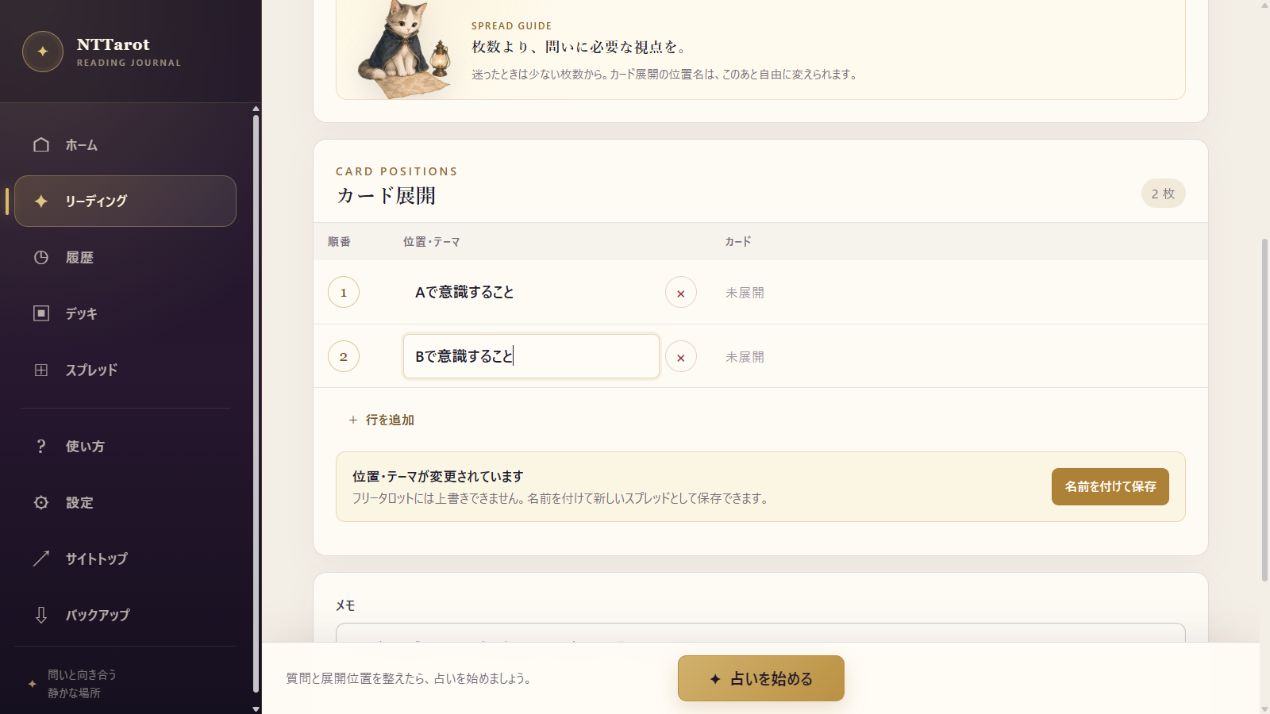
Explore two options from different angles
When you are weighing two options, separate what you hope for and what concerns you about each. Use the cards to broaden your thinking while keeping the decision in your hands.
Example questionWhat matters to me in option A and option B?
- Choose a Two-Option spread or Free Tarot.
- Name positions for the perspectives you want to compare, such as ‘What to consider in A’ and ‘What to consider in B’.
- Compare the results and add a related reading for your next question.
Keep: the perspectives, concerns and a question to explore next.
LEARN THROUGH YOUR READINGS
Learn card meanings through experience
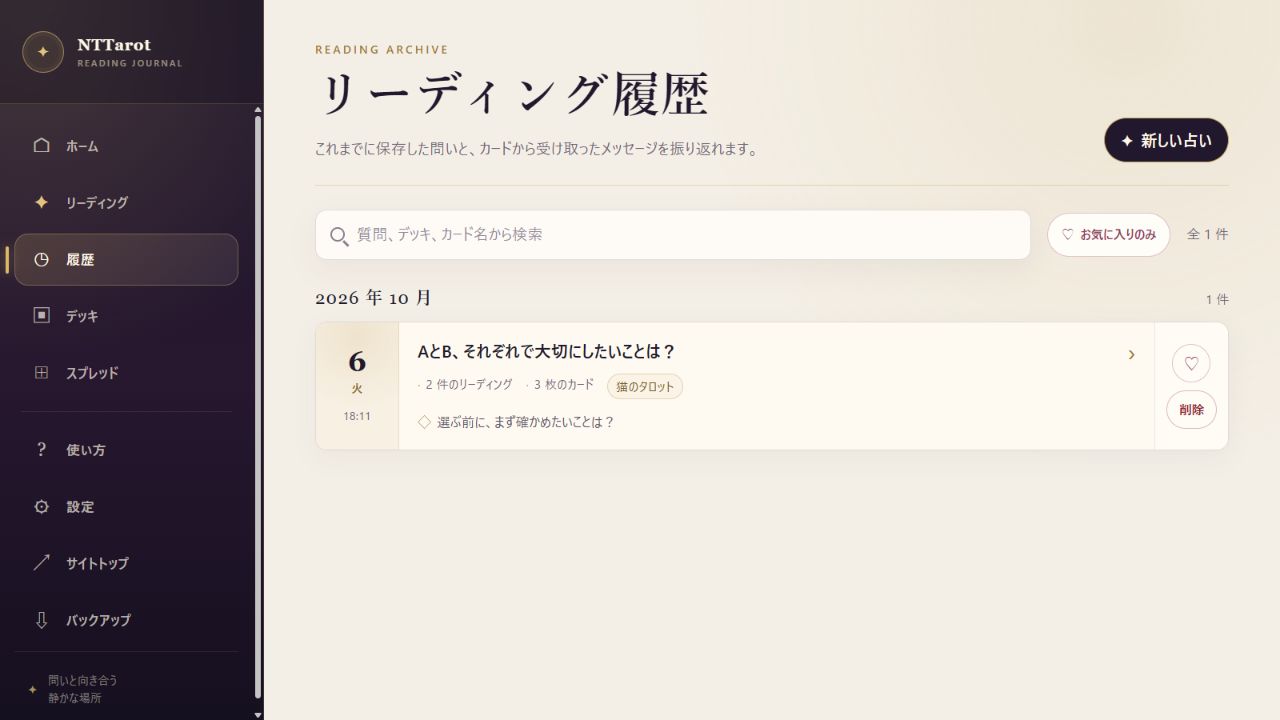
Keeping how you interpreted a card helps you develop your own understanding. Combine reading records with personal card notes to create a reference grounded in your experience.
Example questionWhat do I notice in this card's image?
- Use a small spread and put your first impression into words.
- Check keywords and explanations, then save your interpretation in a note.
- Search the archive by card name. Add what you learn to the card's personal note in the deck editor.
Keep: changes in your interpretation and observations about each card.
MAKE IT YOURS
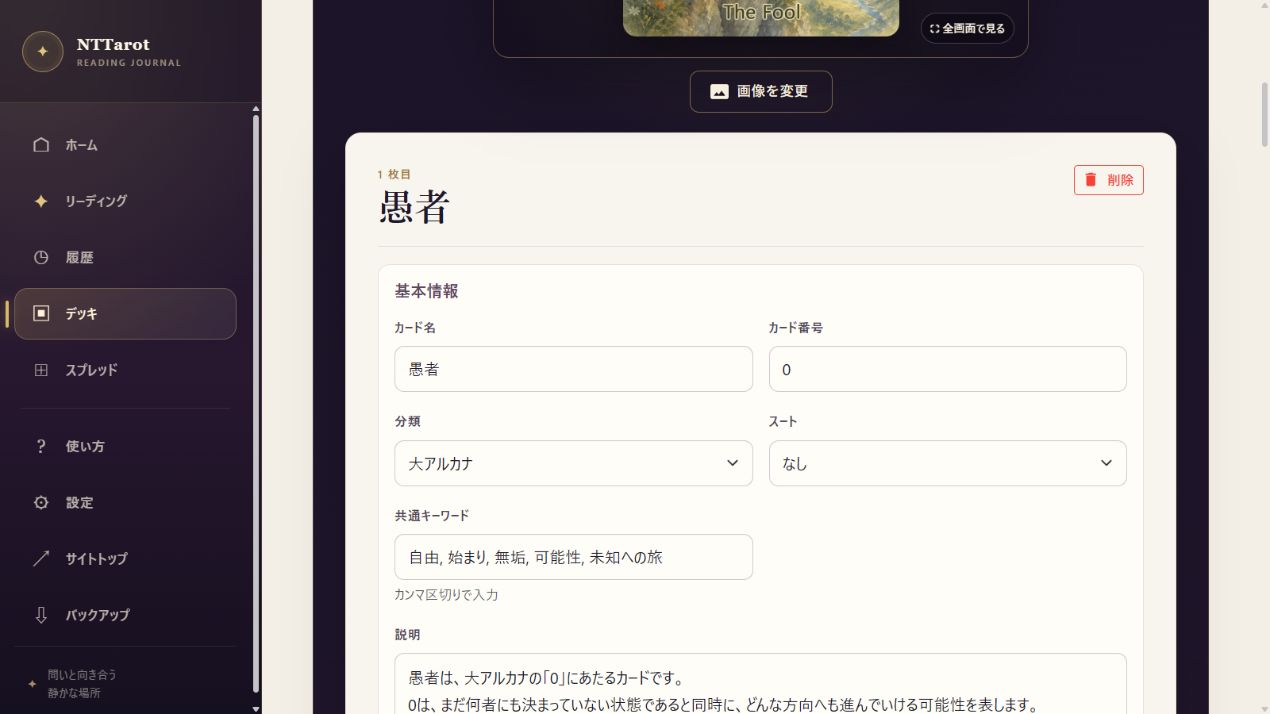
Create a deck with your own artwork and words
Adapt a built-in deck gradually or start from scratch. Bring together your artwork, useful keywords and the meanings you value, then use them in a reading.
Example questionWhich images and words feel right for my cards?
- Copy a deck or create a new one.
- Edit card names, images, keywords and explanations, then save.
- Choose your deck in a reading and refine it as you use it.
Keep: a personal deck and layouts that suit it.
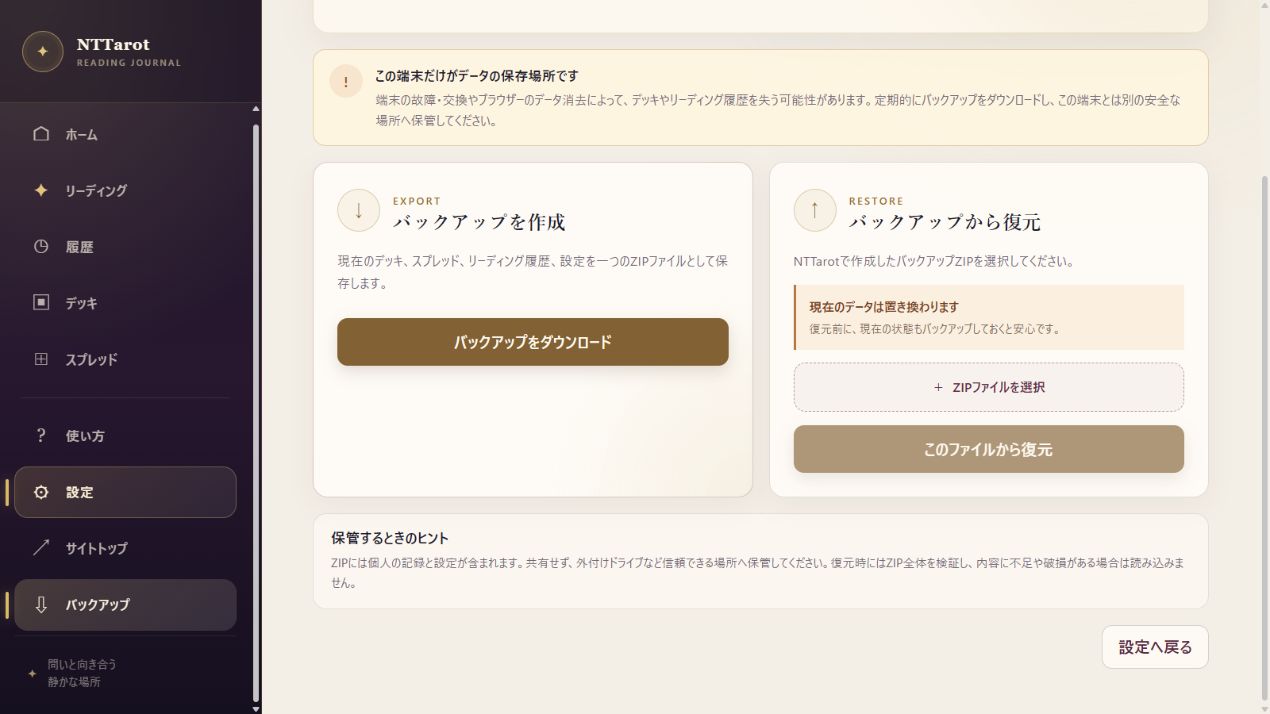
KEEP YOUR READING CLOSE
Edit on a computer, read on a phone
Edit text and artwork on a computer and draw a daily card on your phone. Configure supported cloud sync and keep ZIP backups of important records.
Example questionHow can I use my decks and records on another device?
- Connect OneDrive, Dropbox or Google Drive in Settings.
- Connect the same provider and account on the other device and check sync status.
- Download and keep a backup ZIP before major changes or a transfer.
Keep: records available across devices and a backup before a transfer.